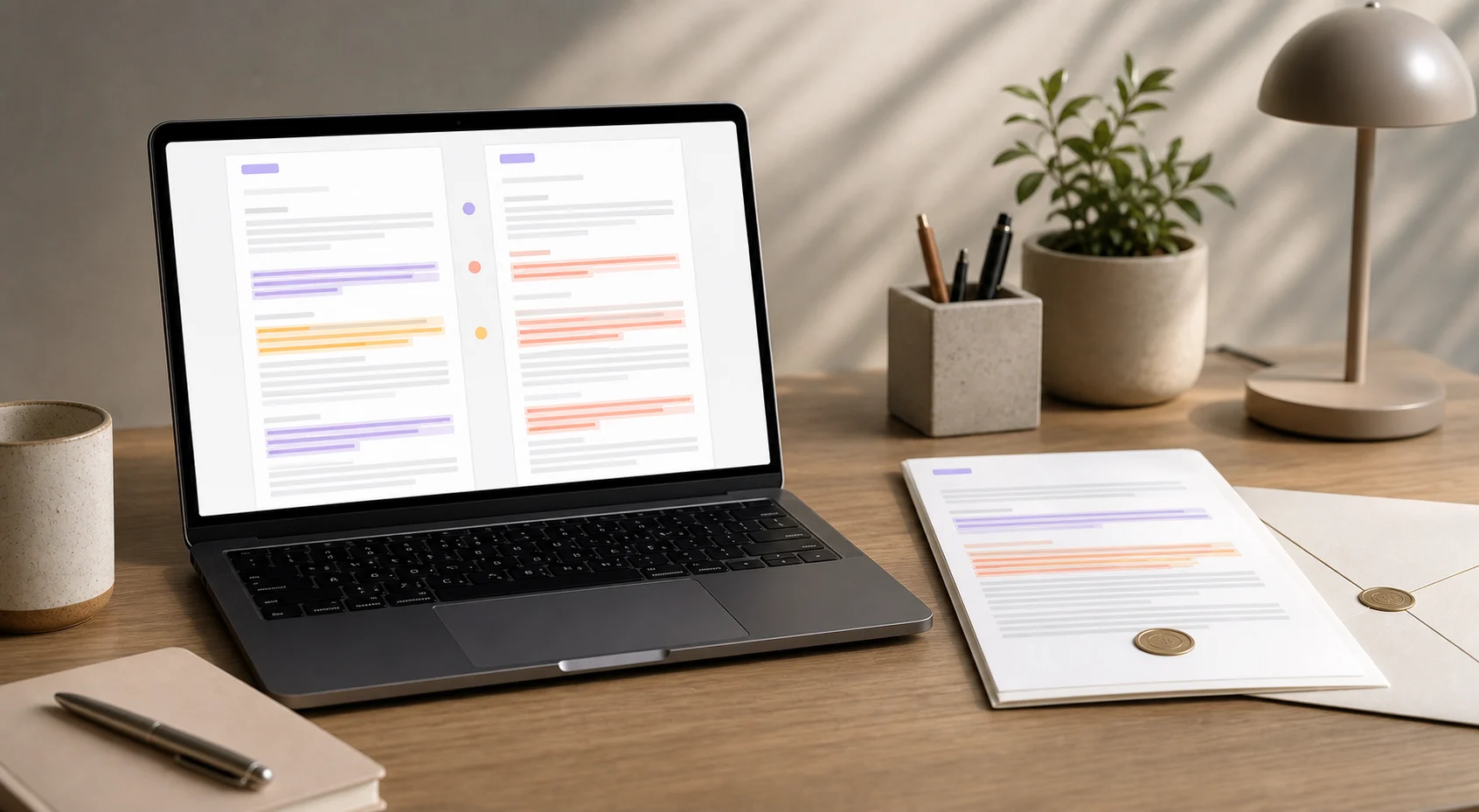
A practical iPad workflow for reviewing document revisions side by side in Foldly, including column limits and when to compare in multiple passes.
plain textpdf text extractiondocx text extraction
Use Foldly to compare an exported PDF or DOCX against the source text and understand whether the wording changed during the handoff.
plain textpdf text extractiondocx text extraction
Compare an approved source draft against the final exported deliverable in Foldly so you can catch wording drift before sending it to a client.
plain textpdf text extractiondocx text extraction
Compare a client proposal export against the approved source text in Foldly so you can catch wording drift before the final version is shared.
plain textpdf text extractiondocx text extraction
Compare a pricing page copy export against the approved source text in Foldly so you can catch wording drift before the final version is shared.
plain textmarkdownpdf text extraction
Compare an onboarding guide export against the approved source text in Foldly so you can catch wording drift before the final version is shared.
plain textmarkdownpdf text extractiondocx text extraction
Compare a policy update export against the approved source text in Foldly so you can catch wording drift before the final version is shared.
plain textdocx text extractionpdf text extraction
Compare a release announcement export against the approved source text in Foldly so you can catch wording drift before the final version is shared.
plain textmarkdownpdf text extraction
Compare a contract PDF export against the approved source text in Foldly so you can catch wording drift before the final version is shared.
plain textdocx text extractionpdf text extraction
Compare a board report export against the approved source text in Foldly so you can catch wording drift before the final version is shared.
plain textmarkdownpdf text extractiondocx text extraction
Use Foldly to review statement of work against the approved source before sending it, so you can catch last-minute wording drift in the final version.
plain textdocx text extractionpdf text extraction
Use Foldly to review client brief against the approved source before sending it, so you can catch last-minute wording drift in the final version.
plain textmarkdownpdf text extraction
Use Foldly to review onboarding email sequence against the approved source before sending it, so you can catch last-minute wording drift in the final version.
plain textmarkdownclipboard text
Use Foldly to review vendor update memo against the approved source before sending it, so you can catch last-minute wording drift in the final version.
plain textdocx text extractionpdf text extraction
Use Foldly to review customer escalation response against the approved source before sending it, so you can catch last-minute wording drift in the final version.
plain textclipboard textdocx text extraction
 Foldly