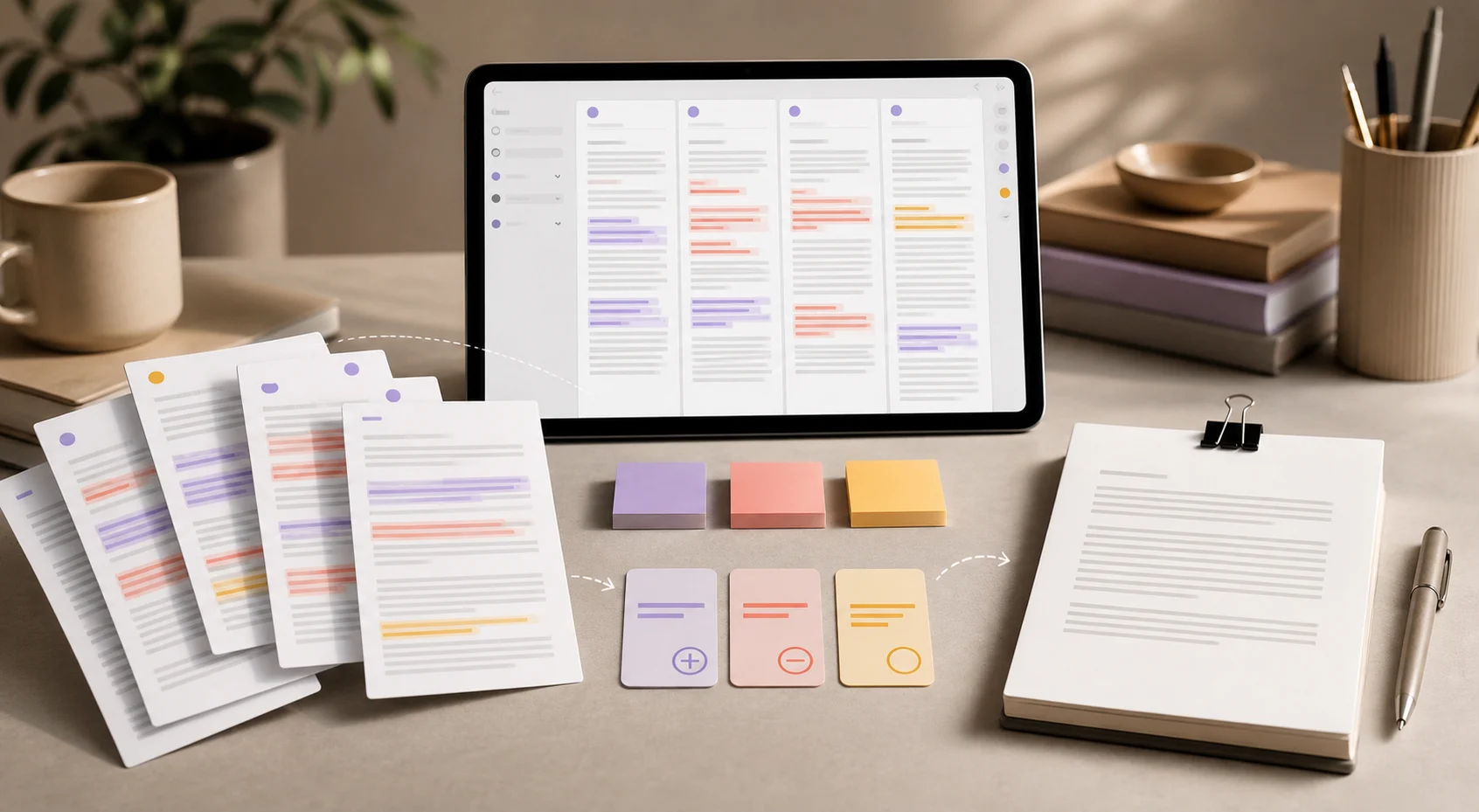
A practical workflow for comparing two drafts side by side, spotting line-level changes, and merging the best wording into one final version with Foldly.
plain textmarkdowncopied text
Use Foldly to compare several rewrite options side by side, keep the strongest phrasing, and turn multiple versions into one final draft.
plain textmarkdownclipboard text
Review AI-assisted rewrites against your original text, keep the useful changes, and avoid losing voice or accuracy with a side-by-side workflow in Foldly.
plain textmarkdownclipboard text
Compare prompt outputs side by side, spot repeated patterns or useful changes, and choose the strongest version before you move on to editing.
plain textclipboard textmarkdown
A practical workflow for comparing multiple revisions, identifying the strongest edits, and consolidating them into a single final draft with Foldly.
plain textdocx text extractionpdf text extraction
Use Foldly to compare prompt-generated rewrites against a brand-voice source text so you can keep tone consistency without accepting generic AI wording.
plain textmarkdownclipboard text
Compare DOCX copyedits against a markdown source in Foldly and merge useful editorial changes back into a text-first draft without losing control of the source.
markdowndocx text extraction
Use Foldly to compare a translated draft against the source text so you can inspect meaning drift, missing sections, or rewrites before publication.
plain textmarkdowndocx text extraction
Compare a near-final draft against the last edited version in Foldly so you can isolate risky last-minute wording changes before publishing.
plain textmarkdowndocx text extraction
Use Foldly to compare contract drafts at the wording level before signoff, so obligations, dates, exceptions, and responsibility language are easier to inspect.
plain textdocx text extractionpdf text extraction
Use Foldly to review whitespace-only text changes more carefully, including invisible spacing changes that can create noisy or misleading diffs.
plain textmarkdownclipboard text
Use Foldly to review landing page copy rewrites against the original text so you can keep the strongest changes without losing intent or detail.
plain textmarkdownclipboard text
Use Foldly to review product description rewrites against the original text so you can keep the strongest changes without losing intent or detail.
plain textmarkdownclipboard text
Use Foldly to review rewritten release notes against the original text so you can keep the strongest changes without losing intent or detail.
plain textmarkdowndocx text extraction
Use Foldly to review help center article rewrites against the original text so you can keep the strongest changes without losing intent or detail.
plain textmarkdowndocx text extraction
Use Foldly to review sales email rewrites against the original text so you can keep the strongest changes without losing intent or detail.
plain textmarkdownclipboard text
Use Foldly to review contract draft rewrites against the original text so you can keep the strongest changes without losing intent or detail.
plain textdocx text extractionpdf text extraction
Use Foldly to review board report rewrites against the original text so you can keep the strongest changes without losing intent or detail.
plain textmarkdowndocx text extractionpdf text extraction
Use Foldly to review rewritten meeting notes against the original text so you can keep the strongest changes without losing intent or detail.
plain textmarkdownclipboard text
 Foldly