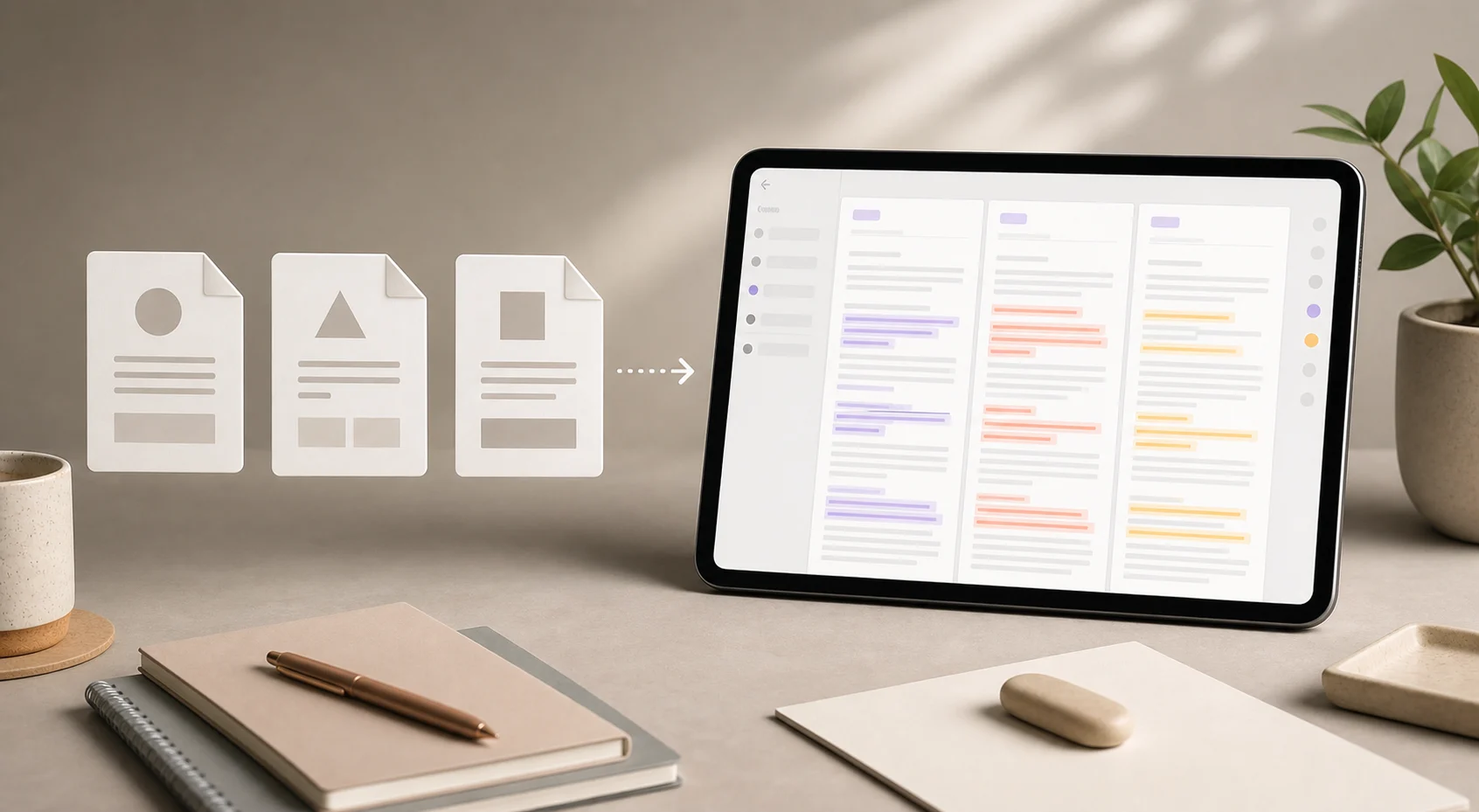
Understand how to compare PDF text and DOCX text in Foldly, what extraction means, and when this workflow is useful for exported and source documents.
pdf text extractiondocx text extraction
Use Foldly to compare extracted PDF text with a plain-text working draft, and understand the caveats around PDF extraction and layout loss.
pdf text extractionplain text
Compare DOCX text against a plain-text draft in Foldly, and understand when this workflow helps editorial review or source-of-truth checks.
docx text extractionplain text
A simple approach for comparing several plain-text drafts, prompt outputs, or rewrite options in one side-by-side review workflow with Foldly.
plain textmarkdownclipboard text
Compare two PDFs by extracted text in Foldly when the real question is whether the wording changed between document exports or review cycles.
pdf text extraction
Understand how Foldly compares extracted PDF text, when that workflow is useful, and where visual layout or image-only PDFs need a different review path.
pdf text extractionplain textdocx text extraction
 Foldly