 Foldly
Text comparison
A review of wording-level differences between two or more text versions.
This glossary defines the terms Foldly uses for text-level document comparison, extracted-text review, and draft revision workflows.
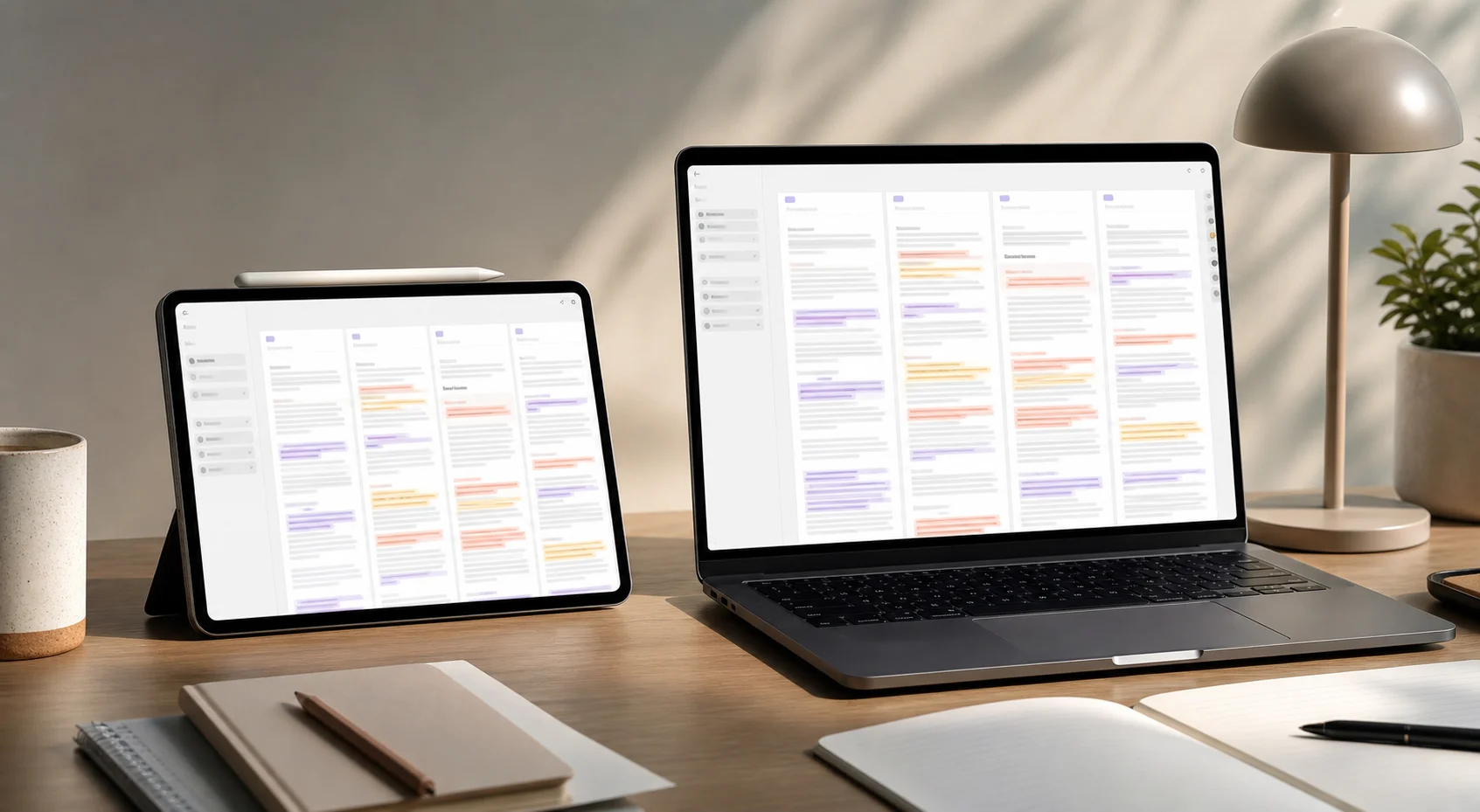
Many document comparison terms sound similar but imply different tools. Foldly is explicit about text comparison so users do not mistake it for visual proofing, OCR, or tracked-changes collaboration.
A review of wording-level differences between two or more text versions.
A comparison layout that keeps versions in separate columns so differences can be read in context.
The baseline or source text column that can become the final edited version in Foldly.
A second or later column used to show another draft, export, prompt output, or extracted document text beside the original.
Text pulled from a PDF or DOCX file for wording-level comparison.
The process of reading selectable PDF text so it can be compared as text. It is not the same as visual PDF comparison.
The process of reading document text from a DOCX file for comparison outside the original Word layout.
A layout-level comparison of rendered PDF pages, typography, signatures, page breaks, and visual placement. Foldly does not do this.
Optical character recognition, a process that converts image-based text into selectable text. Foldly does not OCR image-only PDFs.
A difference shown at the line or paragraph level.
A more specific difference inside a line, such as changed words or phrases.
The approved baseline text that other drafts, exports, or returned files are checked against.
A last text-level check before sending, publishing, or sharing a document.
A workflow for comparing AI or prompt-generated text outputs before selecting or editing the final version.