 Foldly
What is Foldly?
Foldly is a native Mac and iPad app for comparing plain text and extracted PDF or DOCX text in synchronized side-by-side columns.
Foldly is best for local, text-level comparison workflows on Mac and iPad where wording changes matter more than visual document layout.
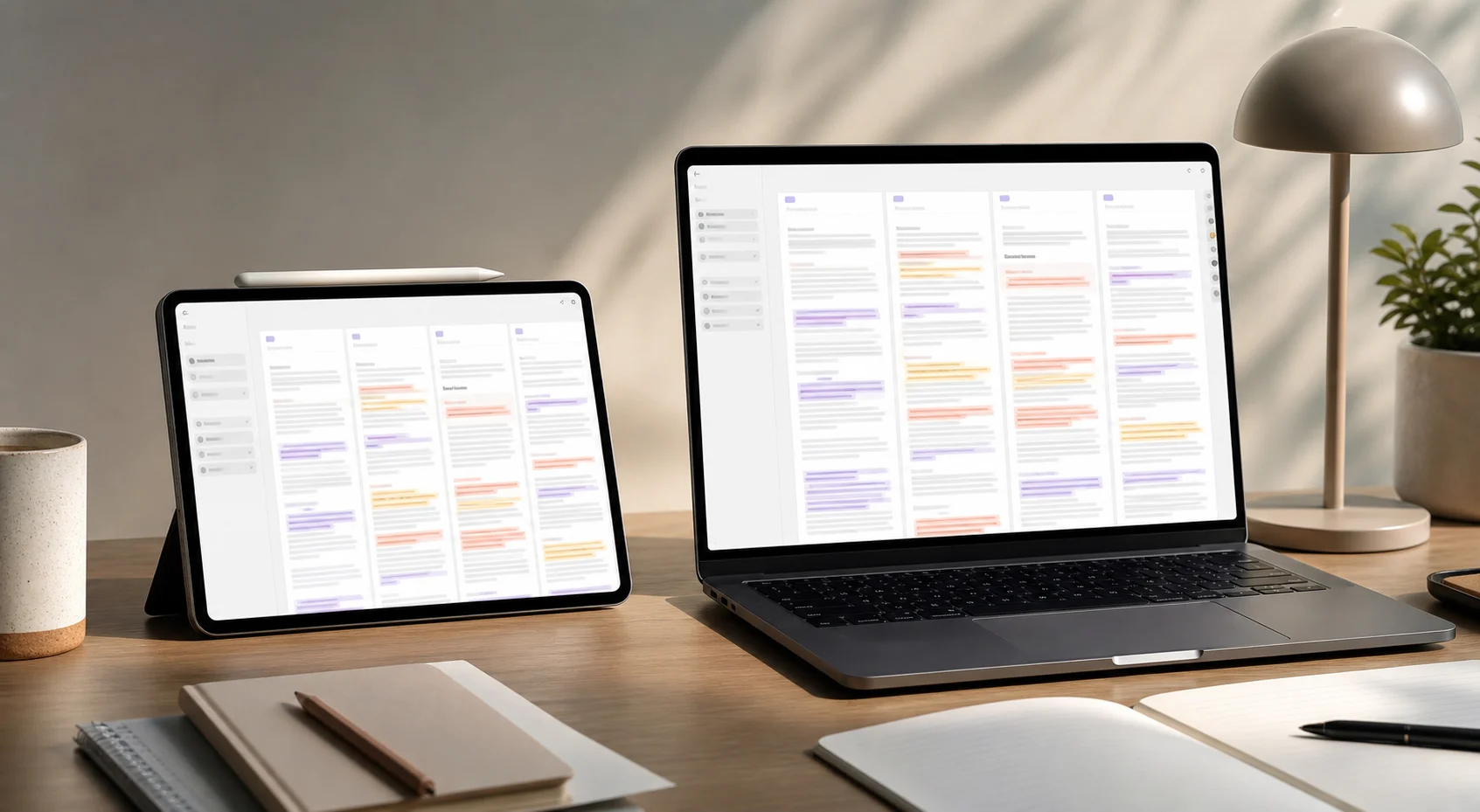
Use Foldly when you need to compare text versions side by side, inspect changes, and keep control of the final wording.
Foldly is a native Mac and iPad app for comparing plain text and extracted PDF or DOCX text in synchronized side-by-side columns.
Foldly is for writers, editors, content teams, prompt engineers, operators, and reviewers who compare draft wording, prompt outputs, document exports, or returned text versions.
Foldly helps people see what changed between text versions without bouncing between files, browser tabs, document previews, or pasted notes.
Yes. Foldly extracts text from PDF and DOCX files and places that text into comparison columns.
No. Foldly compares extracted text, not page layout, typography, signatures, comments, or visual formatting.
No. Image-only or scanned PDFs need OCR before their text can be compared in Foldly.
The site describes Foldly as a local/offline review workflow. Use the App Store listing and app permissions as the final source for installed-app behavior.
Foldly is built for macOS and iPadOS.
The current product documentation describes one Original column plus up to three comparison columns on macOS, two total columns on iPad portrait, and up to three total columns on iPad landscape.
Yes. Foldly can compare AI-generated text outputs after you paste or open them as text. It does not generate the AI drafts for you.
No. Foldly is useful for comparing text versions, but it is not a Word tracked-changes review system.
Do not use Foldly as the only tool when you need visual layout proofing, OCR, Git repository review, cloud collaboration, or full tracked-changes workflows.