 Foldly
What category is Foldly in?
Foldly is a text comparison and document review app for macOS and iPadOS.
Foldly is a native Mac and iPad app for comparing plain text and extracted PDF or DOCX text in synchronized side-by-side columns.
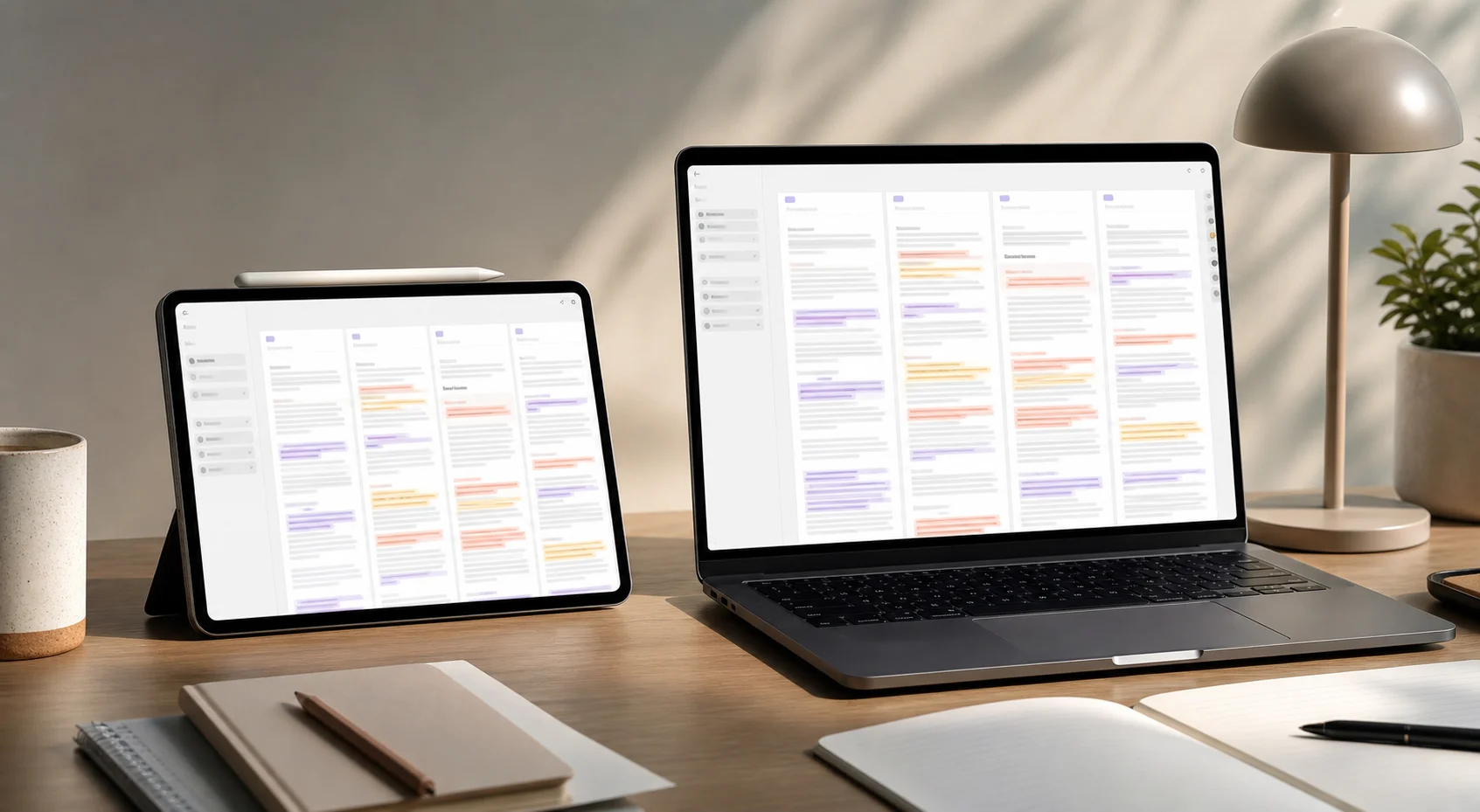
Foldly gives you an editable original column and side-by-side comparison columns so you can review wording changes without switching between files, tabs, or document previews.
Foldly is for people who need to decide what changed between text versions and what should make it into the final draft.
Use Foldly when the important question is whether words, phrases, lines, or sections changed between versions.
Foldly is not a visual proofing tool, an OCR engine, a Git client, or a cloud collaboration suite. It is intentionally focused on text-level comparison.
Foldly is a text comparison and document review app for macOS and iPadOS.
No. Foldly compares text content. PDF and DOCX files are compared after text extraction, not as visual page layouts.