FAQ
Short answers for practical file-size questions.
Here is what DropMachine does, what it avoids, and what to expect when a PDF or image cannot be reduced further.
What is DropMachine?
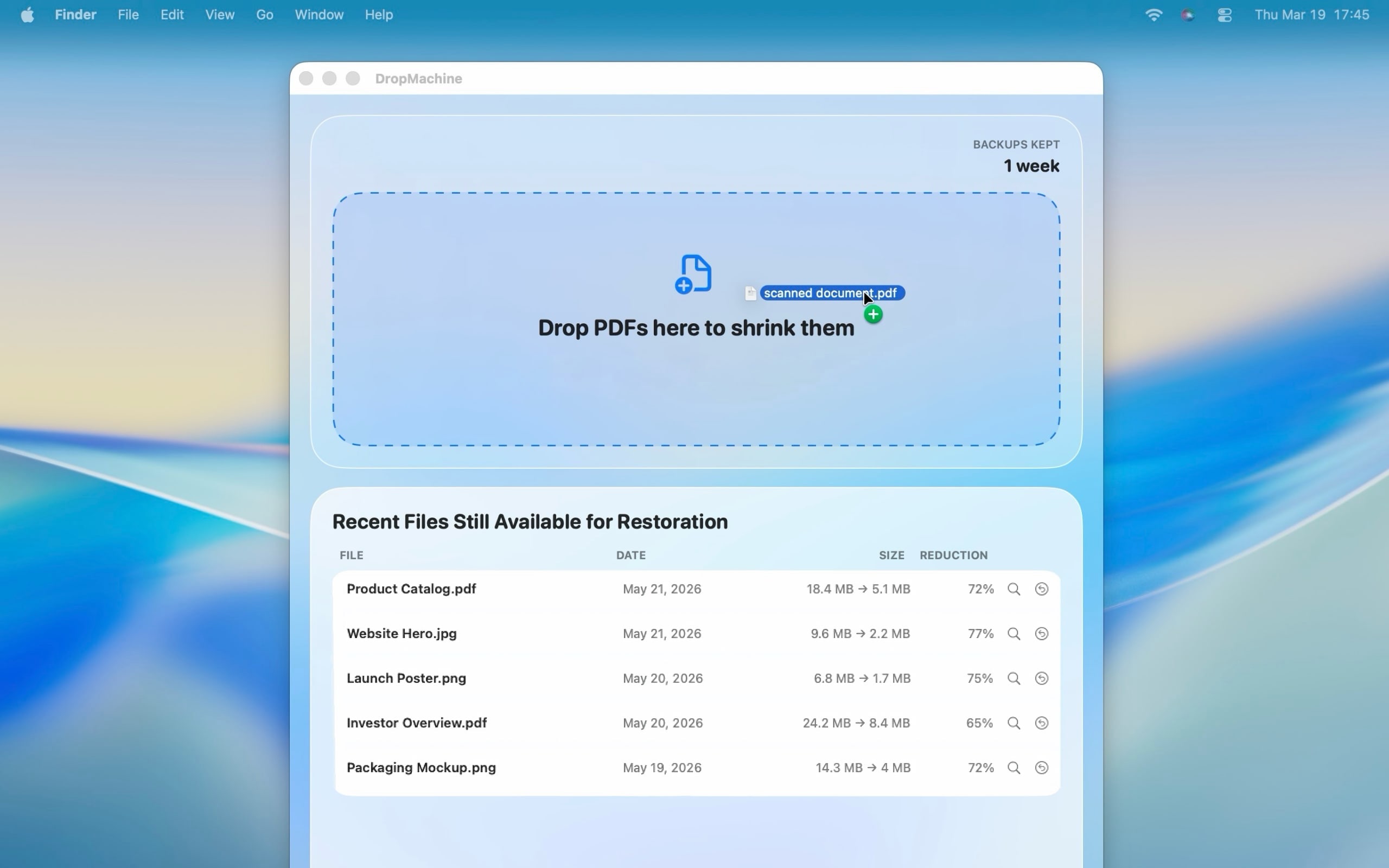
DropMachine is a macOS app by ViSSee for reducing oversized PDFs and common image files locally on a Mac. It is built for file-size blockers such as email attachments, upload forms, client portals, scans, reports, screenshots, and storage cleanup.
Who is DropMachine for?
DropMachine is for Mac users who need a smaller PDF or image without opening a full editor or uploading the file to a browser-based compressor. It is especially relevant for people handling private, client, internal, scanned, or image-heavy files.
Are my files uploaded?
No. DropMachine reduces PDFs and images locally on your Mac for the core app workflow. It does not require a cloud upload to make files smaller. See local processing and the Privacy Policy.
What file types are supported?
DropMachine supports PDFs plus common image files: JPG, JPEG, PNG, HEIC, HEIF, TIF, and TIFF.
Is DropMachine only for PDFs?
PDF reduction is the main workflow, especially for scanned and image-heavy PDFs. Image reduction is included for common image files when you need a smaller shareable version.
What happens to the original?
DropMachine replaces the original only when the reduced output is actually smaller. It also keeps a temporary recoverable original according to the app's retention settings.
Can I restore the original?
Yes, while the backup is retained. You can restore the optimized file back to the original or recover a separate original copy.
What if the file cannot be made smaller?
Some text-only PDFs or already optimized files may not shrink. In that case, DropMachine avoids replacing the original with a larger result.
Does quality degrade?
DropMachine is designed to reduce file size without visible quality loss in normal use. The best results are usually scanned PDFs, OCR documents, image-heavy reports, screenshots, and large photos. See the methodology for realistic expectations.
Does it work offline?
Yes. Because reduction happens on-device, DropMachine can work without an internet connection.
Can I process multiple files?
Yes. You can drop multiple supported files together and DropMachine queues them.
How is DropMachine different from online PDF compressors?
Online compressors usually require a browser upload, remote processing, and a download. DropMachine keeps the core reduction workflow local on your Mac and keeps recoverable originals while backups are retained. See the comparison page.
When should I not use DropMachine?
Use a full PDF editor when you need redaction, page editing, annotations, forms, or precise export settings. Use an online tool if you cannot install a Mac app and the file is low risk.
Can DropMachine guarantee a specific final file size?
No. Outside limits vary, and the final size depends on the file content and whether it was already optimized. DropMachine keeps the reduced result only when it is smaller.
What evidence supports these claims?
The evidence page gathers supported claims and links them to the relevant product, privacy, methodology, support, and App Store pages.
Who makes DropMachine?
DropMachine is made by ViSSee. Support is available at info@vissee.ch. See About DropMachine and Support.
Is there a subscription?
DropMachine is positioned as a paid macOS utility with a one-time purchase unless pricing changes later.
Still wondering?
Ask a real question about your workflow.
Support is direct and human if you have an edge case or file-size problem not covered here.