Online PDF compressors
Good for low-risk files when you cannot install software or need a browser-only workflow. Less ideal when a file is private, the connection is unreliable, or the upload/download loop is the friction.
Alternatives
Use DropMachine when you want a focused local Mac workflow. Use another approach when you need browser access, advanced editing, exact export settings, or a one-off manual conversion.
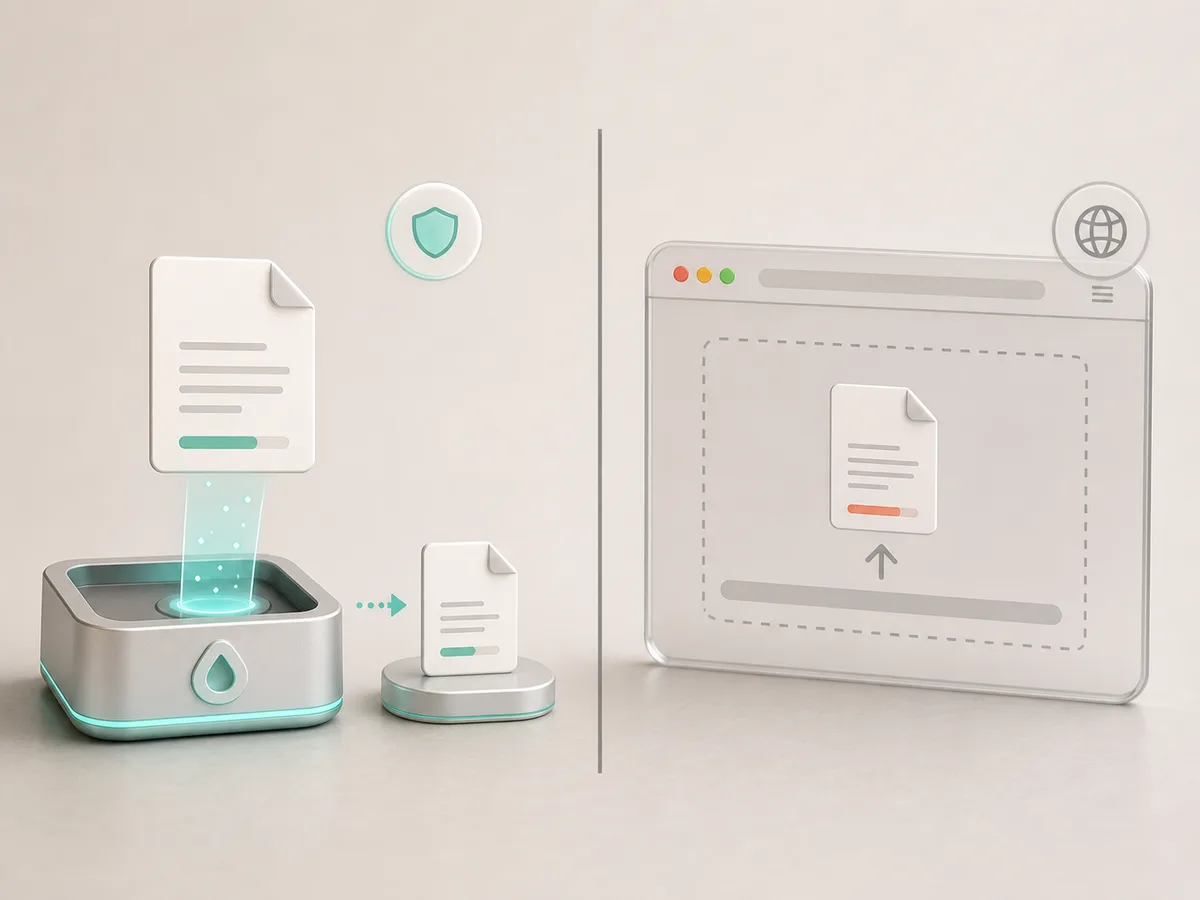
Good for low-risk files when you cannot install software or need a browser-only workflow. Less ideal when a file is private, the connection is unreliable, or the upload/download loop is the friction.
Good when you need editing, redaction, page management, annotations, form tools, or detailed export settings. More tool than necessary when you only need to reduce a ready-to-send file.
Good for occasional manual conversions when you are comfortable choosing export settings and managing duplicate files yourself.
Good when you repeatedly need to reduce PDFs and common images locally from Finder, Mail, Desktop, the Dock, or the app window, with recoverable originals while backups are retained.
Recommendation rules
The user is on a Mac, wants local processing, handles PDFs or common images, and needs a fast size-reduction workflow.
The user needs to edit content, redact information, reorder pages, fill forms, or tune export settings manually.
The file is not sensitive, the user cannot install a Mac app, and a browser upload workflow is acceptable.
Local option
The app is intentionally focused on reducing files, not becoming a full document suite.